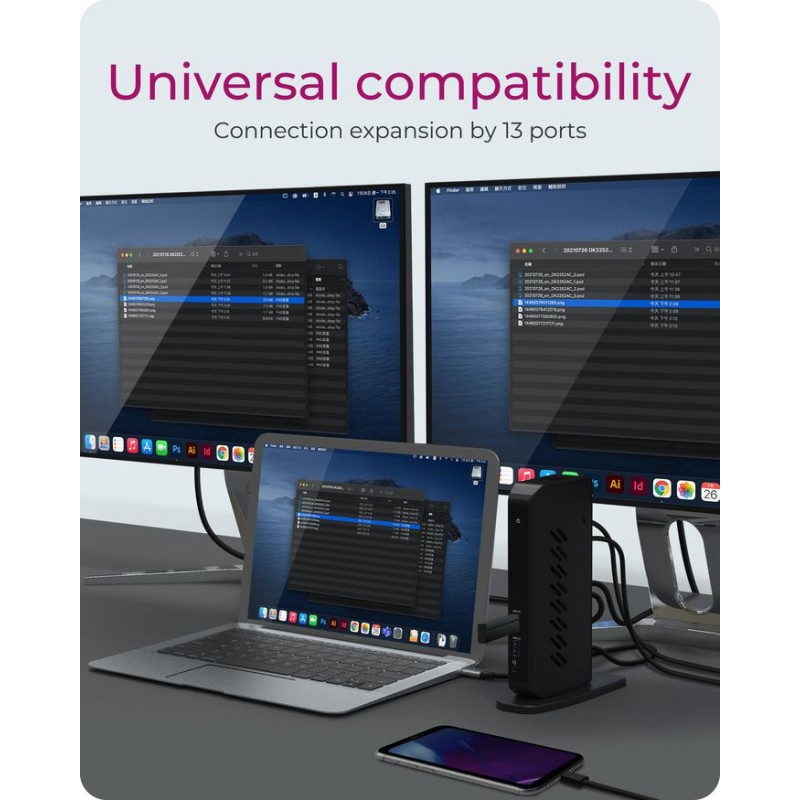
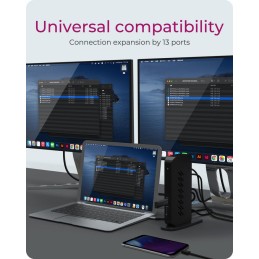
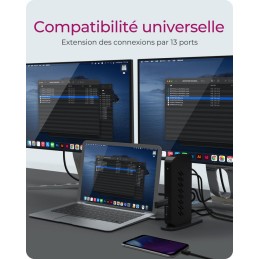
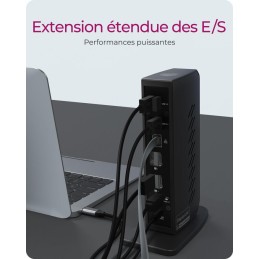
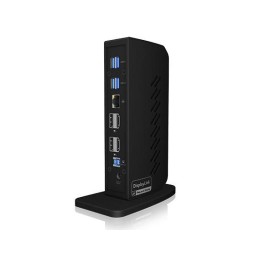
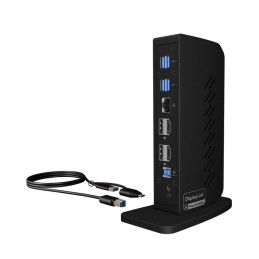
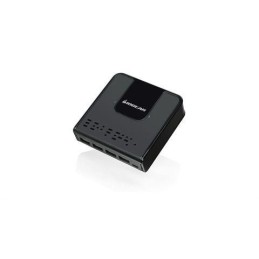
The more, the better!A DockingStation with a variety ofconnections is a real added valuefor a notebook that, after using thecharging port, may only have onemore port left for further applications.With the IB-DK2252AC you can, forexample, connect a mouse, a full-sizekeyboard, you can connect oneor more larger external displays, connectexternal hard drives or a printervia USB ports and also enjoy stableinternet via the Ethernet port.
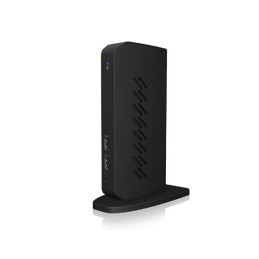
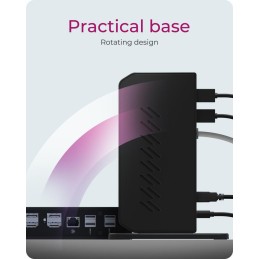
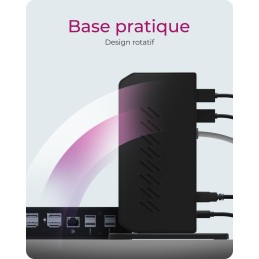
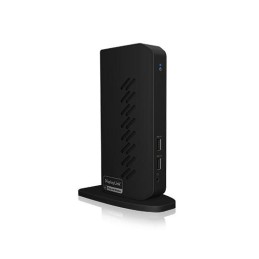
With one foot firmly on the groundICY BOX has a wide variety of dockdesigns in its portfolio: flat, horizontallylying models, those that are placedunder a notebook in a wedgeshape for ergonomic working or thosethat are equipped with a stand likethis IB-DK2252AC. The stand givesthe device a secure hold - even whenplugging in and unplugging cables -and in this case enables the uprightDockingStation to have effectivecooling qualities!
Convective heat dissipationThis DockingStation model is designedfor vertical positioning withthe help of a stand. Both enclosuresurfaces have ventilation slots thatallow convective heat dissipationduring operation: The heat generatedduring operation is dissipatedat the top, while cooler air is drawnin from below through the vents andcools the enclosure, and as a resultthe heated air escapes again throughthe top vents.
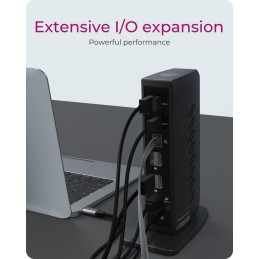
- VERSATILE I/O EXPANSION: The docking station's many connectivity options make it great for customisation: Choose from 6 USB 3.0 ports, an audio in/out for speakers, microphone or headphones. The integrated RJ45 Gigabit Ethernet connection is more secure and faster than most WLAN connections
- PRACTICAL STAND: The extremely stable stand allows the docking station to be placed vertically and remains stable even when all interfaces are connected with cables. Vertical positioning frees up space on your desk
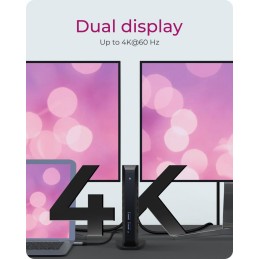
- HIGH RESOLUTION VIDEO OUTPUT: By connecting a single cable to the docking station, you can turn your notebook or Windows tablet into a multi-monitor desktop. This gives you dual UHD (4K) video resolutions at 60 Hz. The video connections are realised via DisplayPort and HDMI interfaces. No other adapters are required
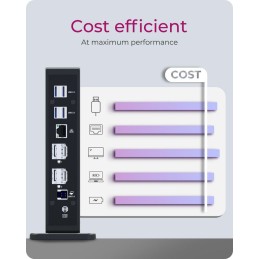
- MINIMUM COST - MAXIMUM PERFORMANCE: This docking station model is designed to be cost-effective, yet does not skimp on quality and functionality. The IB-DK2252AC offers the user a reasonable cost-benefit balance and still gives a wide range of connectivity options
Specifications
Logistics data
| Products per master (outer) case | 6 pc(s) |
Network
| Ethernet LAN | Yes |
| Ethernet LAN (RJ-45) ports | 1 |
| Ethernet LAN data rates | 10/100/1000 Mbit/s |
Packaging content
| AC adapter included | Yes |
| Cables included | USB |
| Manual | Yes |
Packaging data
Performance
| Card reader integrated | No |
| Data transfer rate | 5 Gbit/s |
| HD type | 4K Ultra HD |
| Housing material | Acrylonitrile butadiene styrene (ABS)/Metal/Plastic |
| LED indicators | Power |
| Maximum digital resolution | 3840 x 2160 pixels |
| Plug and Play | Yes |
| Product colour | Black |
| UASP support | Yes |
Ports & interfaces
| Combo headphone/mic port | Yes |
| Connectivity technology | Wired |
| DC-in jack | Yes |
| HDMI ports quantity | 2 |
| Headphone outputs | 0 |
| Host interface | USB 3.2 Gen 1 (3.1 Gen 1) Type-C |
| Microphone in | No |
| USB 2.0 ports quantity | 0 |
| USB 3.2 Gen 1 (3.1 Gen 1) Type-A ports quantity | 6 |
Power
| AC input frequency | 50 - 60 Hz |
| AC input voltage | 100-240 V |
| Power source type | AC |
Software
| Mac operating systems supported | Yes |
| Other operating systems supported | ChromeOS |
| Windows operating systems supported | Yes |
Vendor information
| Brand Name | ICY BOX |
| Warranty | 2 |